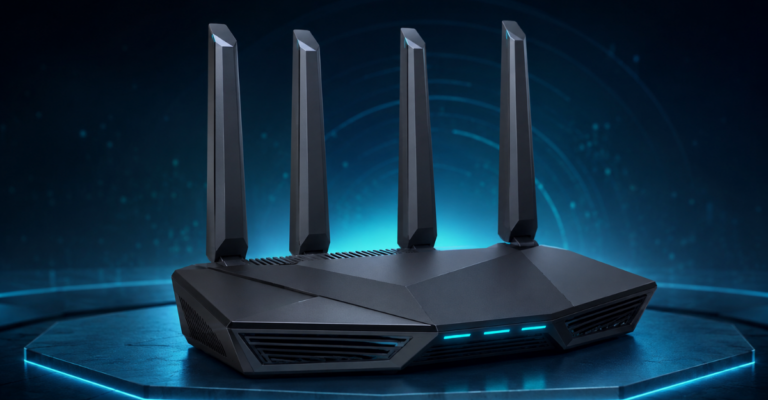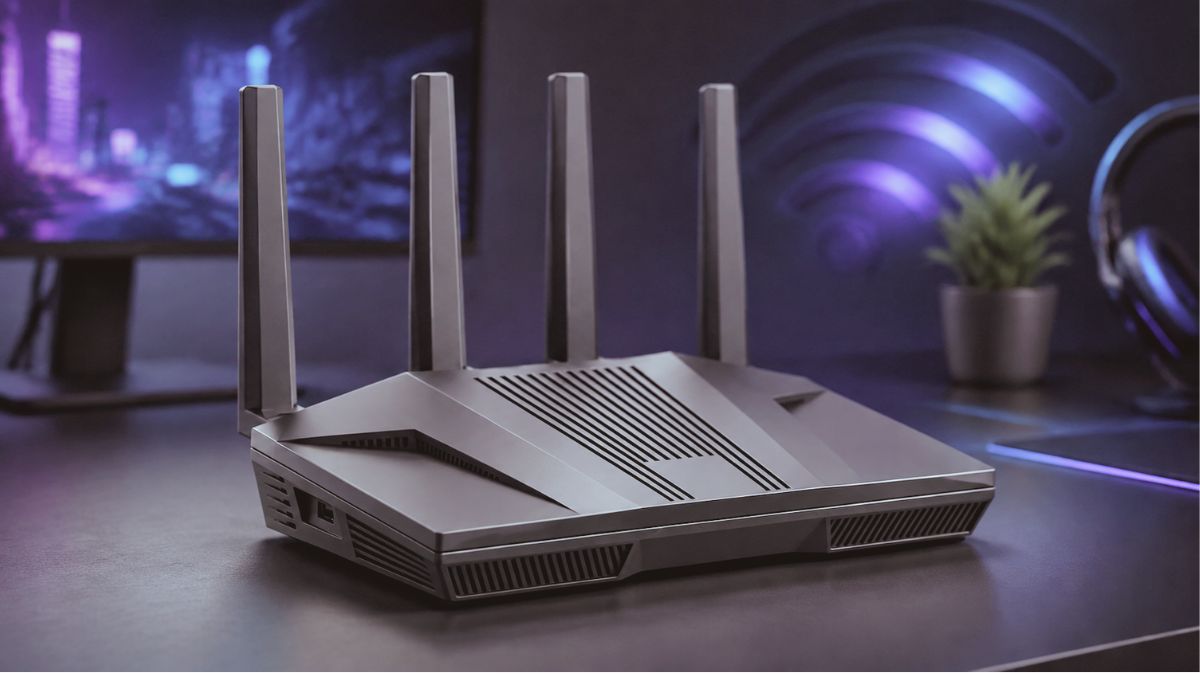
GL.iNet Flint 2 Review 2026: Best WiFi 6 Gaming Router
The GL.iNet GL-MT6000 Flint 2 combines AX6000 Wi-Fi 6, dual 2.5GbE ports, powerful VPN performance and OpenWrt flexibility. This review covers its features, gaming performance, pros, cons and best alternatives.
GL.iNet GL-MT6000 Flint 2 Review: Wi-Fi 6 Gaming Router with Dual 2.5G Ports.
Choosing a router is no longer only about achieving a high headline speed. Modern households need stable gaming performance, reliable 4K streaming, fast wired connections, strong VPN capabilities, guest-network controls, and enough processing power to support dozens of connected devices.
The GL.iNet GL-MT6000 Flint 2 is designed for users who want those features without moving immediately to a more expensive Wi-Fi 7 system. It combines dual-band Wi-Fi 6 performance, two 2.5GbE ports, OpenWrt-based software, built-in VPN support, AdGuard Home compatibility, Quality of Service controls, and hardware capable of managing a demanding home or small-office network.
This research-based GL.iNet Flint 2 review examines its specifications, benefits, limitations, gaming performance, VPN capabilities, alternatives, and suitability for buyers in the USA and UK.
Quick Verdict
The GL.iNet GL-MT6000 Flint 2 is an excellent Wi-Fi 6 router for gamers, VPN users, remote workers, technology enthusiasts, and households with many connected devices. Its powerful processor, 1GB of DDR4 memory, 8GB of internal storage and dual 2.5GbE connectivity give it significantly more flexibility than a typical entry-level home router.
Its strongest advantage is not simply wireless speed. Flint 2 combines fast networking hardware with advanced software features, including OpenVPN, WireGuard, AdGuard Home, Multi-WAN, guest networks, traffic management and support for additional OpenWrt packages.
However, it may be excessive for someone with a basic internet plan, only a few connected devices or no interest in VPN and advanced network management. Buyers wanting the newest wireless standard may also prefer a newer Wi-Fi 7 model.
Overall rating: 4.5 out of 5
GL.iNet GL-MT6000 Flint 2 Specifications
| Specification | Details |
|---|---|
| Brand | GL.iNet |
| Model | Flint 2 / GL-MT6000 |
| Router type | Dual-band Wi-Fi 6 home and gaming router |
| Wireless standards | IEEE 802.11a/b/g/n/ac/ax |
| Maximum combined Wi-Fi rating | Approximately 6Gbps across both bands |
| 2.4GHz rated speed | Up to 1,148Mbps |
| 5GHz rated speed | Up to 4,804Mbps |
| Processor | MediaTek quad-core processor up to 2.0GHz |
| Memory | 1GB DDR4 RAM |
| Storage | 8GB eMMC |
| High-speed Ethernet | Two 2.5GbE ports |
| Additional Ethernet | Four Gigabit LAN ports |
| USB | USB 3.0 |
| VPN support | OpenVPN and WireGuard |
| Advertised WireGuard speed | Up to 900Mbps |
| Advertised OpenVPN speed | Up to 880Mbps |
| Security and privacy | Firewall, VPN policies, guest network and AdGuard Home support |
| Network features | QoS, Multi-WAN, failover, load balancing and access-point mode |
| Recommended uses | Gaming, home, business, remote work and VPN routing |
| Colour | Black |
Theoretical Wi-Fi and VPN figures are maximum rated speeds rather than guaranteed real-world results. Actual performance depends on the client device, ISP plan, router placement, wireless interference, VPN provider, protocol configuration and server location.
Design and Connectivity
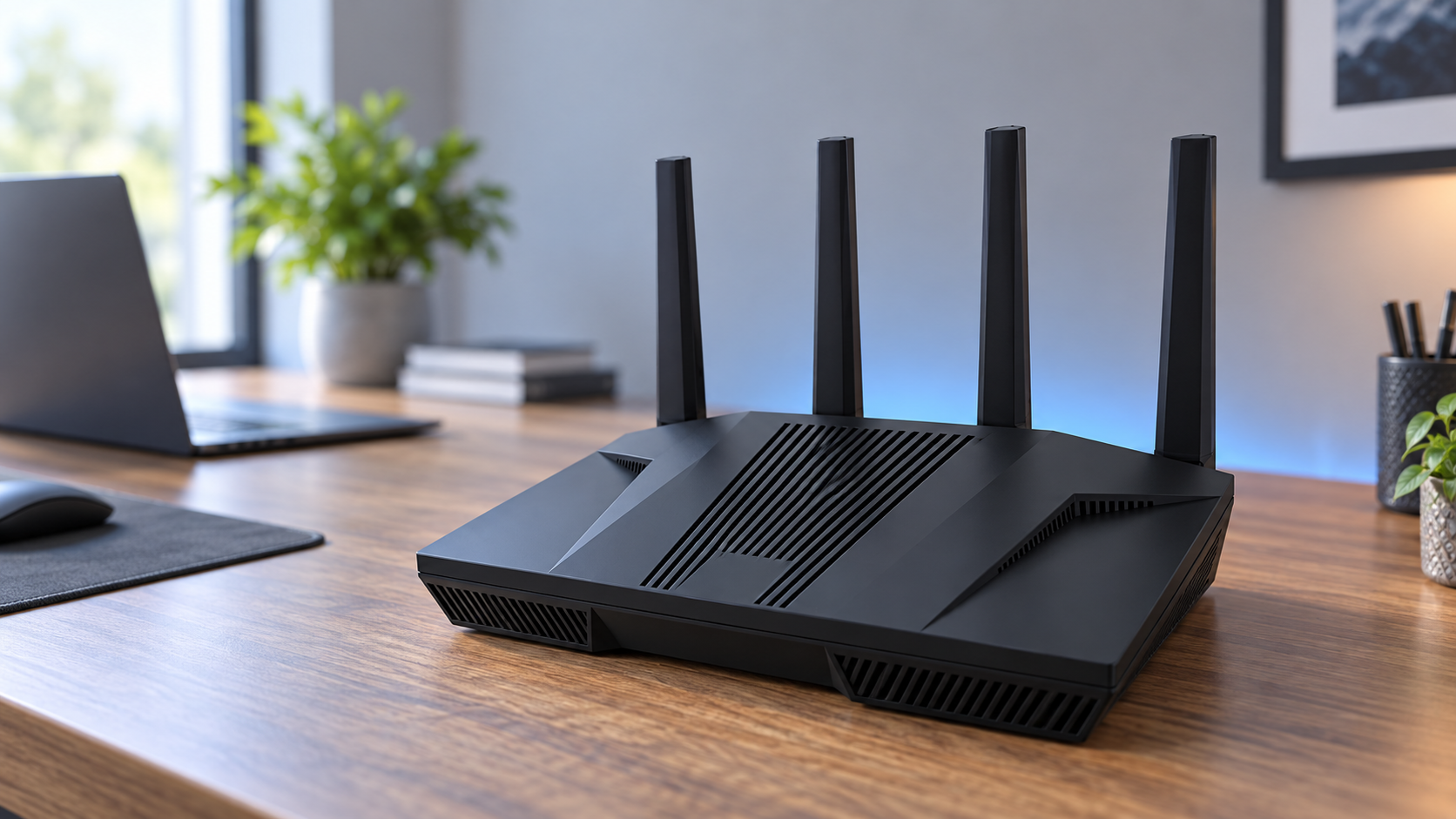
Flint 2 has a practical desktop-router design with external antennas and a black finish that fits naturally into a home office, gaming setup or small-business environment. It is not intended to be a pocket-sized travel router like the GL.iNet Slate AX or Beryl AX.
The two 2.5GbE ports are among its most valuable hardware features. They allow users to take better advantage of multi-gigabit internet, a fast desktop computer, network-attached storage or another compatible high-speed device. Four additional Gigabit LAN ports provide useful wired capacity for consoles, televisions, PCs and smart-home hubs.
A USB 3.0 port adds further flexibility for supported storage and network-sharing applications. However, buyers should verify that their intended USB device and file-sharing workflow are supported before treating Flint 2 as a replacement for a dedicated NAS.
To compare the Flint 2 with other affordable gaming models, explore our guide to the “best gaming routers under $200 in the USA”
Wi-Fi 6 Performance
Flint 2 is an AX6000-class dual-band router, with rated wireless capacity distributed between its 2.4GHz and 5GHz bands. The 2.4GHz connection is useful for longer-range and lower-bandwidth devices, while the faster 5GHz band is better suited to gaming, video calls, large downloads and high-resolution streaming.
Its Wi-Fi 6 technology is designed to manage multiple simultaneous connections more efficiently than many older Wi-Fi 5 routers. This makes it suitable for homes containing phones, laptops, consoles, smart televisions, security cameras and other connected devices.
Nevertheless, a router cannot make an internet connection faster than the service supplied by the ISP. A device must also support compatible Wi-Fi capabilities to benefit from the router’s higher wireless rates.
Is Flint 2 Good for Gaming?
Flint 2 is a strong gaming-router option, particularly when the gaming PC or console can be connected through Ethernet. Wired connectivity avoids many of the interference and signal-consistency problems associated with wireless gaming.
The router also provides traffic-management and Quality of Service options that can help prioritise important devices or applications. This can be useful when someone is gaming while other household members are streaming, downloading large files or participating in video calls.
However, buyers should remember that a gaming router cannot eliminate latency originating from the ISP, a distant game server or congested external routing. For the most consistent result:
- Connect the gaming system through Ethernet whenever possible.
- Install the latest stable firmware.
- Configure QoS carefully.
- Avoid unnecessary background downloads.
- Select a nearby game or VPN server.
- Place the router away from thick walls and sources of wireless interference.
For households that combine competitive gaming with heavy streaming and remote work, Flint 2 offers considerably more control than a basic ISP-provided router.
VPN Performance and Privacy Features
VPN routing is one of the primary reasons to consider Flint 2. The router supports both WireGuard and OpenVPN, allowing compatible devices to use a VPN connection without installing a separate application on every device.
GL.iNet advertises WireGuard throughput of up to 900Mbps and OpenVPN throughput of up to 880Mbps. These are maximum laboratory-style figures. Real performance can be lower depending on encryption, VPN service, server distance, network congestion and configuration.
Router-level VPN support is useful for:
- Smart televisions and consoles without native VPN applications
- Remote workers who need network-wide encryption
- Households with multiple VPN-connected devices
- Users who want different routing policies for selected clients
- Connecting remotely to a home network
- Separating normal and VPN-routed traffic
A VPN improves privacy between the user and the VPN provider, but it does not make someone anonymous or replace safe browsing, secure passwords and updated software.
You can also check our complete list of the “best gaming routers for 2026″ for additional options at different price levels.
OpenWrt and Advanced Controls
Flint 2 is built around GL.iNet’s user-friendly interface while providing access to an OpenWrt-based environment. Beginners can use the standard administration panel, while experienced users can explore additional packages and advanced configuration.
The router’s 1GB of RAM and 8GB of eMMC storage provide more room for plugins and customisation than many ordinary consumer routers.
Notable software capabilities include:
- Guest Wi-Fi
- Access-point mode
- Multi-WAN
- Failover and load balancing
- Client management
- VPN policies
- Firewall controls
- Dynamic DNS
- Network storage features
- AdGuard Home support
- Additional OpenWrt packages
Advanced customisation should be approached carefully. Installing unnecessary packages or changing unfamiliar settings can create instability or security problems. Creating a backup before making major changes is sensible.
AdGuard Home Support
AdGuard Home can filter many advertising, tracking and malicious domains at the DNS level. Because filtering occurs through the router, it can cover compatible devices across the network without requiring a separate browser extension on every device.
However, DNS filtering cannot remove every advertisement. It may also interfere with certain websites, applications, sponsored links or affiliate tracking. Users should test their filter lists and add exceptions when a legitimate service stops working.
Initial Setup
Flint 2 can be configured through its web administration panel. A sensible initial setup process includes:
- Connect the router to the modem or existing internet source.
- Connect a computer through Ethernet or the default Wi-Fi network.
- Open the GL.iNet administration page.
- Create a strong administrator password.
- Configure the internet connection.
- Change the Wi-Fi names and passwords.
- Check for the latest stable firmware.
- Configure the guest network.
- Add VPN settings only if required.
- Test wired and wireless performance before enabling advanced plugins.
Updating the firmware during initial configuration is recommended because updates may include performance improvements, security fixes and bug corrections. Avoid interrupting power while a firmware update is being installed.
Package contents and power adapters may vary by seller and destination. UK buyers should confirm that the listing includes a compatible UK plug or appropriate converter. USA buyers should check for a US-compatible adapter.
Pros and Cons
Pros
- Fast dual-band Wi-Fi 6 performance
- Two 2.5GbE ports
- Four additional Gigabit LAN ports
- Strong processor, memory and internal storage
- Excellent VPN capabilities
- WireGuard and OpenVPN support
- AdGuard Home compatibility
- Guest-network and QoS controls
- Multi-WAN, failover and load-balancing support
- Useful for gaming, streaming and remote work
- Extensive OpenWrt customisation
- Suitable for a large number of connected devices
Cons
- More complicated than a basic plug-and-play router
- Advanced settings may overwhelm beginners
- Not a mesh system by itself
- No Wi-Fi 6E or 6GHz band
- Not as future-facing as newer Wi-Fi 7 routers
- Maximum advertised speeds require compatible hardware
- Real VPN speeds vary significantly
- Some users will not need its advanced functionality
- Power-plug compatibility must be checked by UK buyers
Who Should Buy the GL.iNet Flint 2?
Flint 2 is well suited to:
- Gamers seeking stable wired and wireless networking
- Households with many connected devices
- Users with internet plans above 1Gbps
- VPN users wanting whole-network protection
- Remote workers who need advanced routing controls
- Home-office and small-business users
- OpenWrt enthusiasts
- Users connecting a 2.5GbE computer or NAS
- People who want guest networks and DNS-level filtering
Who Should Avoid It?
You may want a different router if:
- Your internet plan is relatively slow
- You only connect a few basic devices
- You want the simplest possible setup
- You require a portable travel router
- You need a complete multi-node mesh system
- You specifically want Wi-Fi 7 or a 6GHz band
- You do not plan to use VPN, QoS or advanced networking
- Your current ISP router already meets all your needs
GL.iNet Flint 2 vs Flint vs Slate AX
| Feature | Flint 2 GL-MT6000 | Flint GL-AX1800 | Slate AX GL-AXT1800 |
|---|---|---|---|
| Main purpose | High-performance home, gaming and VPN routing | Affordable secure home networking | Portable travel networking |
| Wi-Fi class | AX6000 | AX1800 | AX1800 |
| Portability | Low | Low | High |
| Multi-gigabit Ethernet | Yes, dual 2.5GbE | No | No |
| Memory and storage | 1GB RAM and 8GB eMMC | More limited | More limited |
| Maximum VPN capability | Highest of these three | Lower | Designed for portable use |
| Best for | Gaming, multi-gig internet, VPN and advanced users | Smaller homes and moderate connections | Hotels, travel and remote work |
Flint 2 is the strongest option in this comparison for a permanent home network. The original Flint is more suitable for users with modest requirements, while Slate AX is the logical choice for travellers.
Best Alternatives
GL.iNet Flint 3
Flint 3 is worth considering if you want tri-band Wi-Fi 7 and newer wireless capabilities. It is likely to cost more, and its advantages depend on owning compatible Wi-Fi 7 devices and having network requirements that justify the upgrade.
GL.iNet Flint
The original Flint is a less demanding alternative for smaller homes, moderate broadband plans and users who do not need 2.5GbE connectivity or Flint 2’s higher performance.
GL.iNet Slate AX
Slate AX is better for frequent travellers who need a compact Wi-Fi 6 router for hotels, temporary accommodation and remote work. It is less appropriate as a high-performance multi-gigabit home router.
GL.iNet Beryl AX
Beryl AX offers a balance of portability, Wi-Fi 6 performance and VPN features. It is a good choice when travel convenience matters more than the wired capacity and processing power of Flint 2.
Frequently Asked Questions
Is GL.iNet Flint 2 good for gaming?
Yes. Its fast Wi-Fi 6 hardware, 2.5GbE connectivity and traffic-management tools make it suitable for gaming. Ethernet remains the preferred connection for the most consistent latency.
Does Flint 2 support WireGuard?
Yes. Flint 2 supports WireGuard and GL.iNet advertises speeds of up to 900Mbps, although actual performance depends on the VPN server and network conditions.
Does Flint 2 support OpenVPN?
Yes. It supports OpenVPN, with advertised throughput of up to 880Mbps under suitable conditions.
Does Flint 2 have 2.5GbE ports?
Yes. It includes two 2.5GbE ports, along with additional Gigabit Ethernet connectivity.
Does Flint 2 support AdGuard Home?
Yes. AdGuard Home can be enabled for DNS-level filtering of many advertising and tracking domains.
View GL.iNet Flint 2 on Amazon
Can Flint 2 replace an ISP router?
In many setups it can function as the primary router, but compatibility depends on the ISP and modem or ONT configuration. Some providers require their supplied equipment or specific authentication settings.
Is Flint 2 a modem?
No. Flint 2 is a router. Most users still need a separate cable, fibre or DSL modem/ONT supplied or supported by their ISP.
Is it suitable for more than 100 devices?
It is marketed for mass-device connectivity, but practical capacity depends on device activity, interference, bandwidth demand and configuration. One hundred idle smart devices create a very different workload from one hundred devices streaming simultaneously.
Does Flint 2 support Wi-Fi 7?
No. Flint 2 is a Wi-Fi 6 router. Buyers specifically seeking Wi-Fi 7 should consider a newer compatible model.
Should I update the firmware?
Yes. Checking for the latest stable firmware during initial setup is recommended for security, bug fixes and performance improvements.
Final Verdict: Is the GL.iNet Flint 2 Worth Buying?
The GL.iNet GL-MT6000 Flint 2 remains a compelling router for users who value fast wired networking, capable Wi-Fi 6 performance, powerful VPN support and extensive software control.
It is particularly attractive for gamers, remote workers, privacy-conscious households and technology enthusiasts who will benefit from its 2.5GbE ports, OpenWrt foundation, AdGuard Home support and advanced routing features.
It is not the cheapest or simplest router, and buyers who only need basic Wi-Fi may not use much of its functionality. It also lacks the 6GHz and Wi-Fi 7 capabilities found in newer premium models. Nevertheless, its combination of hardware, storage, VPN performance and network flexibility makes it a strong choice for a demanding home or small-office setup.
Recommended for: Gaming, VPN routing, multi-device homes, remote work and advanced network management.