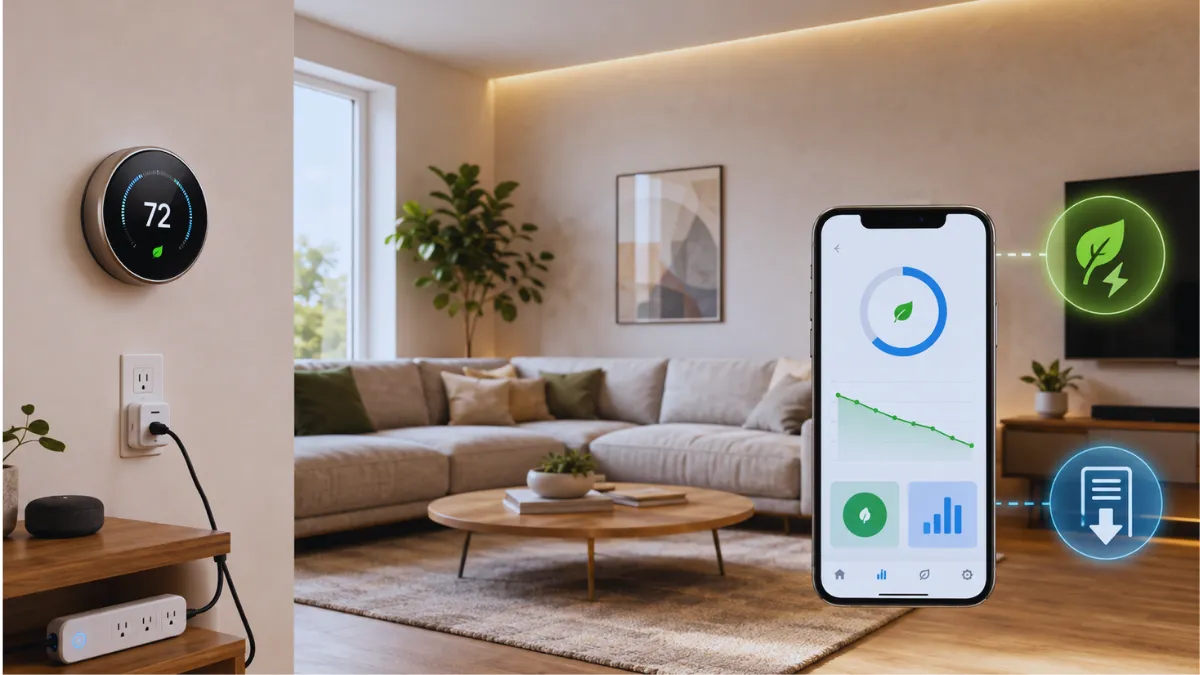
Best home energy monitors in 2026: Which one is right for you
Discover the best smart home devices that save money in 2026. Learn how smart thermostats, plugs, LED lighting, energy monitors, and heating controls can help lower electricity bills in USA and UK homes.
Smart Home Devices That Save Electricity Bills: USA/UK Guide 2026
A light left on overnight is easy to notice. A gaming setup drawing power while nobody uses it, or an air conditioner cooling an empty house, is less obvious. These everyday habits are where smart home devices can help reduce energy waste.
However, adding an app or Wi-Fi connection does not automatically make a product energy efficient. A smart plug controlling a rarely used lamp may save very little. A well-configured thermostat managing an expensive heating or cooling system could make a much bigger difference.
The best smart home devices that save electricity are the ones that solve a specific problem in your home. This guide explains which devices are worth considering, how they work, and what households in the USA and UK should check before buying.
One distinction matters from the start: reducing electricity use and reducing heating costs are not always the same thing. In a UK home with a gas boiler, smart heating controls mainly affect the gas bill. In a home with electric heating or cooling, compatible controls can affect electricity consumption directly.
Which Smart Home Device Should You Buy First?
Start with the equipment that wastes the most energy, rather than the product with the longest feature list.
| Your household situation | First option to consider | What to check |
|---|---|---|
| Heating or cooling runs when nobody is home | Smart thermostat | System compatibility and existing schedules |
| TV or office equipment stays powered unnecessarily | Smart plug or advanced power strip | Measured power use and automatic shutdown behavior |
| Lights are regularly left on | LED lighting with timers or sensors | Whether existing bulbs are already efficient |
| You cannot identify your biggest electricity loads | Energy monitor | Installation cost and useful reporting |
| UK radiator heating warms little-used rooms | Heating controls or smart radiator valves | Boiler integration and existing TRVs |
| Your tariff has cheaper electricity periods | Compatible appliance scheduling | Peak rates and actual off-peak prices |
| Rooms overheat through large sunny windows | Automated blinds or curtains | Window coverings, orientation, and installation cost |
For renters, removable smart plugs and plug-in energy meters are often an easy starting point. Homeowners have more options, including heating controls and professionally installed monitoring equipment.
How Smart Devices Reduce Energy Costs
Smart home technology can help in three different ways:
- Reduce consumption: Switch off equipment or shorten unnecessary operating time.
- Improve visibility: Show which appliances use electricity and when.
- Shift consumption: Move flexible activities to cheaper tariff periods.
These benefits should not be confused. Running an appliance during an off-peak period may lower its operating cost without reducing the amount of electricity it uses.
Likewise, an energy monitor only provides information. Savings happen when you act on that information.
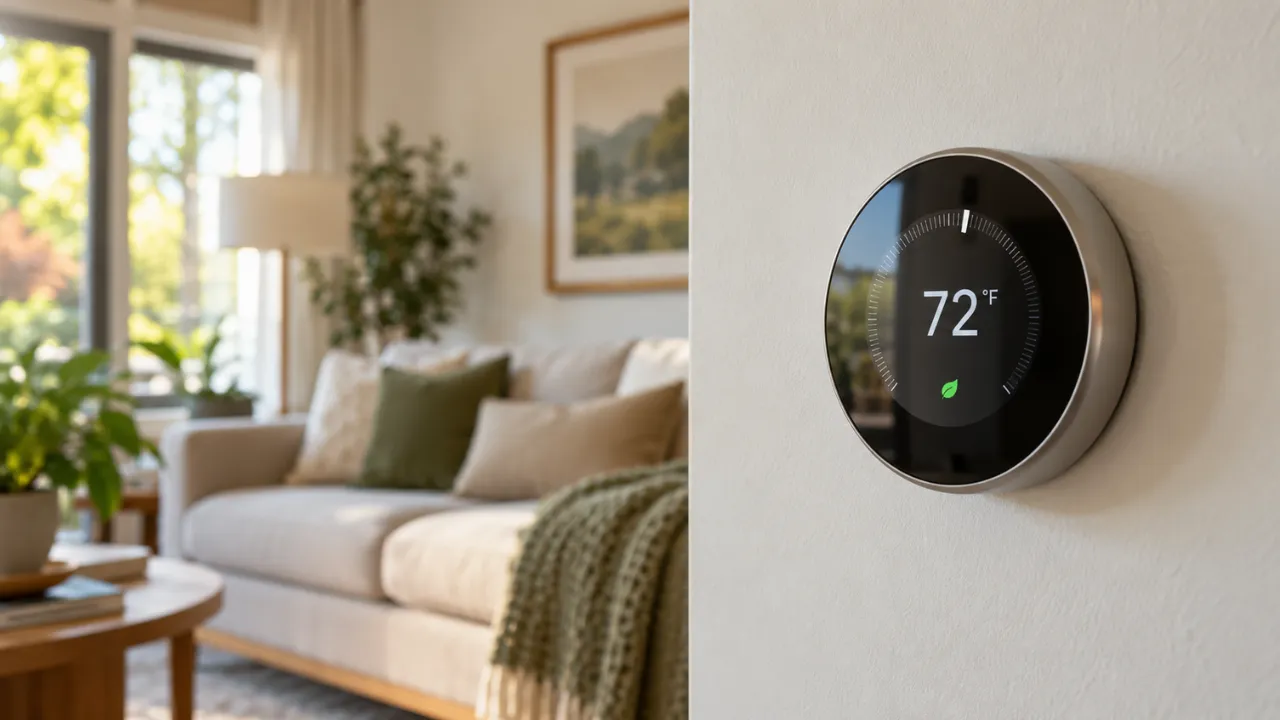
1. Smart Thermostats: Useful for Heating and Cooling Schedules
A smart thermostat can automatically adjust temperatures around your routine. Depending on the model, it may offer schedules, remote access, occupancy detection, and reminders.
It is especially useful when heating or air conditioning regularly runs in an empty home.
ENERGY STAR reports average savings of approximately 8% on heating and cooling bills, or about $50 annually, for certified smart thermostats. This is a heating-and-cooling estimate, not an 8% reduction in the entire electricity bill. Actual results vary with the home, climate, equipment, and previous habits.
What US households should check
Before buying, confirm:
- Whether the thermostat supports your HVAC system.
- Whether a C-wire or an approved power accessory is required.
- Compatibility with heat pumps, auxiliary heat, and multiple stages.
- Whether remote sensors require an additional purchase.
- Whether useful features depend on a subscription.
An ordinary low-voltage smart thermostat is not a universal replacement for a line-voltage electric heating control.
If you already use an effective thermostat schedule, the extra financial benefit may be modest. Remote access and convenience can still be useful, but they should be considered separately from savings.
What UK households should check
UK buyers should confirm compatibility with their boiler, heating zones, and hot-water controls.
Energy Saving Trust estimates that installing and effectively using heating controls could save around £100 annually in Great Britain. That figure applies to heating controls broadly; it is not a guaranteed additional saving from replacing working controls with a smart model.
In a gas-heated home, most of that benefit relates to heating fuel rather than electricity.
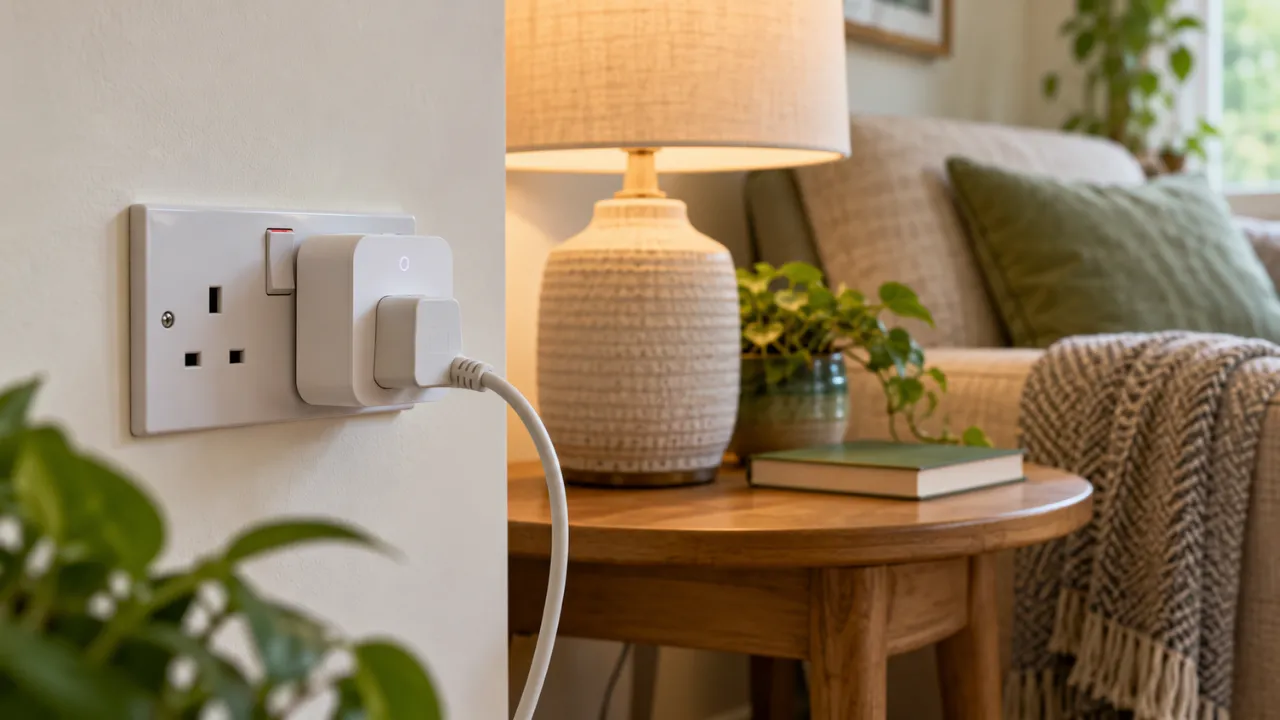
2. Smart Plugs: Best for Measurable, Repeated Waste
A smart plug lets you schedule or remotely switch a compatible plug-in device. Models with energy monitoring can also show its electricity consumption.
Good candidates include:
- Decorative lights that stay on too long.
- A desk setup left powered after work.
- Entertainment accessories with measurable standby consumption.
- A compatible fan that runs unnecessarily.
Check how the connected appliance behaves when power returns. Some devices resume operation; others remain off until someone presses a button.
Measure before buying several plugs
Not every standby load is expensive. Modern electronics may use very little power when properly shut down.
A smart plug also consumes electricity to maintain its connection. The useful calculation is:
Net energy saved = electricity avoided − electricity used by the smart plug
Start with one monitored outlet and use its readings to decide whether additional plugs make financial sense.
Avoid unsuitable appliances
Do not use a general-purpose smart plug to automate equipment that must remain powered, such as a refrigerator, medical device, or safety system.
Portable electric heaters should be plugged directly into a wall outlet. The US Consumer Product Safety Commission specifically advises against connecting them through extension cords or power strips. For any additional control device, follow the heater manufacturer’s instructions rather than assuming its advertised current rating makes it suitable.
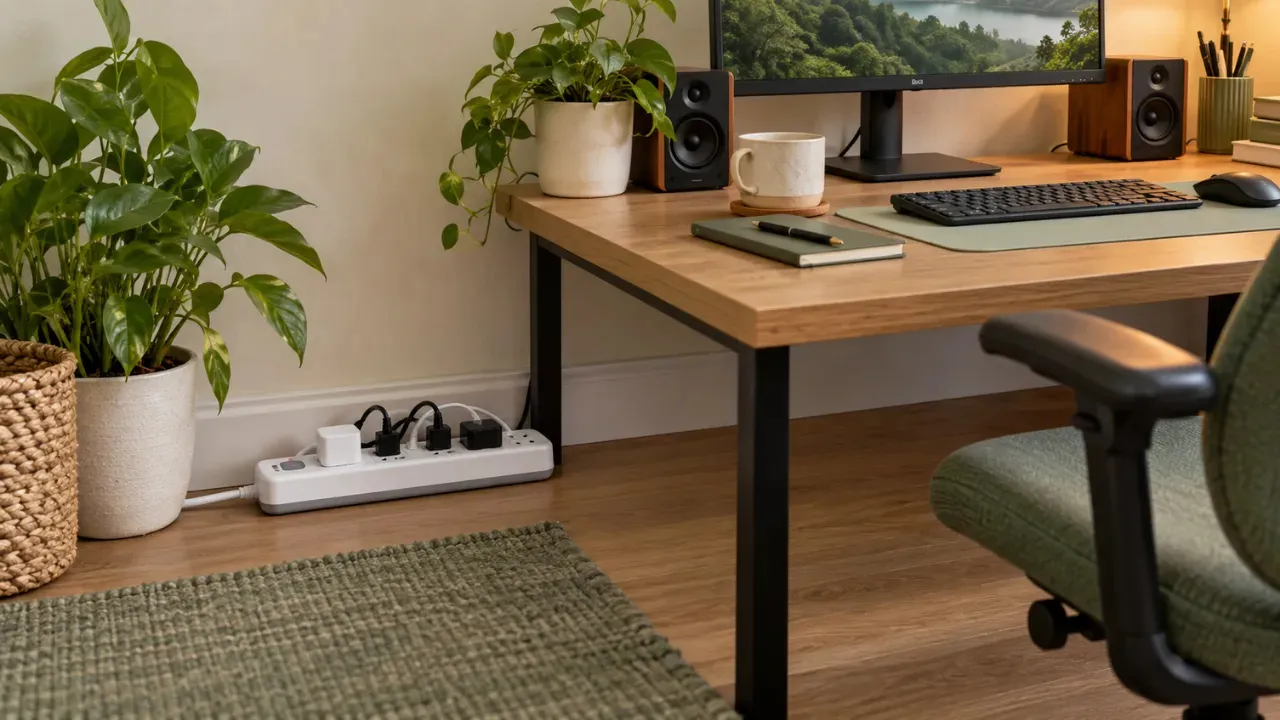
3. Advanced Power Strips: Practical for Desks and Entertainment Centers
An advanced power strip can disconnect several accessories when a main device turns off. Some use a control outlet; others use timers or occupancy detection.
For example, a computer could act as the main device, with speakers and selected accessories switching off when the computer shuts down.
This can be simpler than buying a separate smart plug for every item.
Choose a strip with suitable electrical ratings, overload protection, and enough room for larger adapters. Surge protection is a separate feature, so check whether it is included.
Keep equipment that needs uninterrupted power on an appropriate always-on outlet. Avoid abrupt shutdowns during console updates, computer backups, or recording sessions.
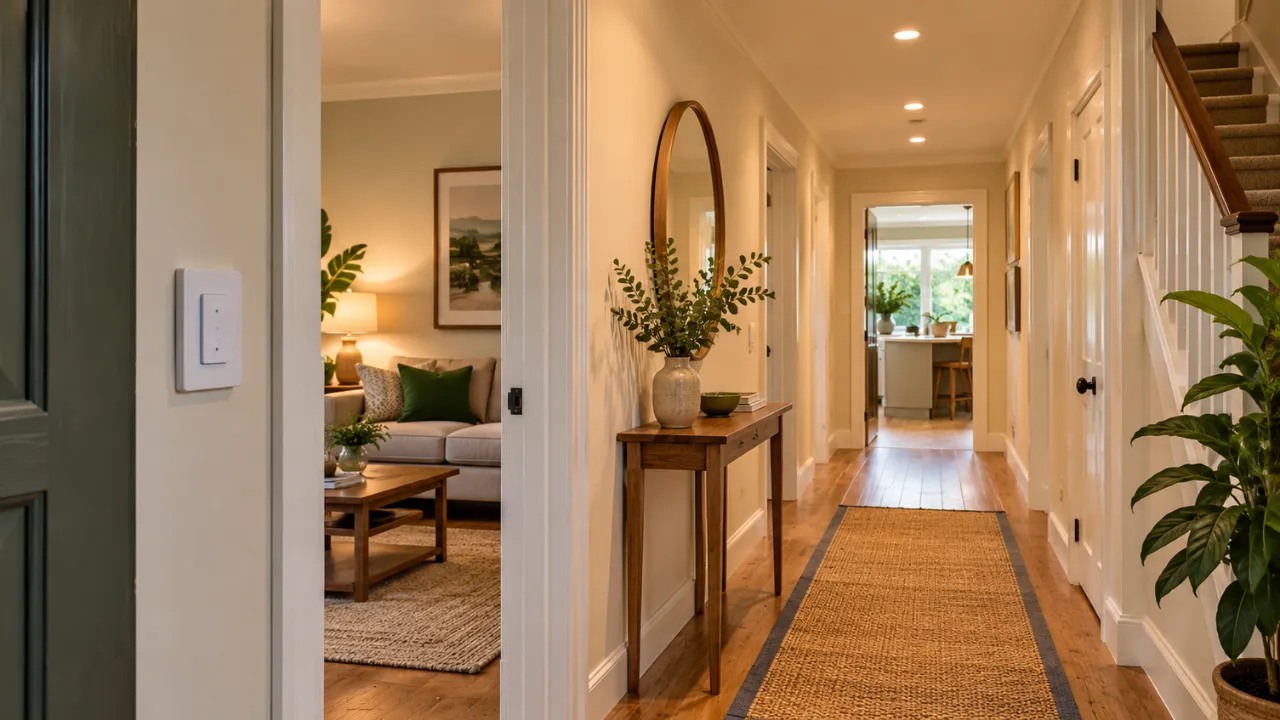
4. Smart Lighting: Replace Inefficient Bulbs First
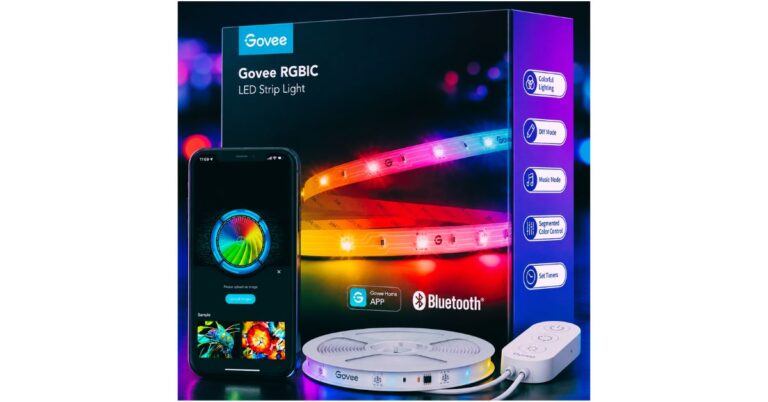
Smart lighting helps prevent lights from running longer than necessary. Useful features include timers, dimming, and automatic shutoff.
However, the first question is whether your existing bulbs are efficient.
Replacing an old, inefficient bulb with an appropriate LED may offer a better return than adding smart controls to a light you already switch off reliably.
Smart lighting makes the most sense where a repeated problem exists:
- Porch lights remain on through the morning.
- Garage lights are frequently forgotten.
- Hallway lighting stays on all night.
- Multiple outdoor lights need a consistent schedule.
For a room with several bulbs, one compatible switch or sensor may be more practical than several connected bulbs.
Check dimmer compatibility, wiring requirements, and whether your chosen bulbs need a hub.
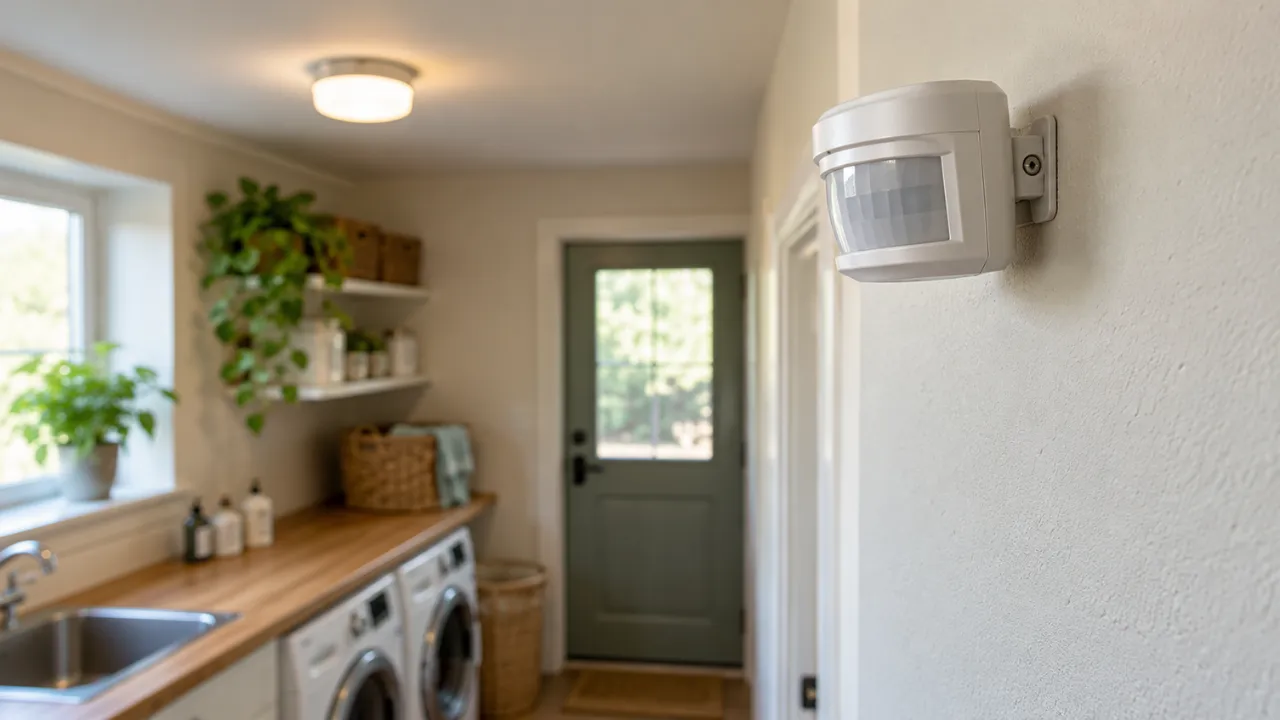
5. Motion and Occupancy Sensors: Helpful in Occasionally Used Rooms
Sensors can switch lights off after a room becomes empty. They are useful in utility rooms, garages, storage areas, and other spaces used briefly.
Basic motion sensors can miss someone sitting still. More advanced presence sensors may work better in offices or reading areas, although their suitability depends on placement and configuration.
Choose a sensible shutoff delay. A setting that saves a little electricity but repeatedly leaves someone in darkness is unlikely to remain enabled.
Daylight conditions also matter. Where supported, configure the system so lights do not turn on when the room is already bright enough.
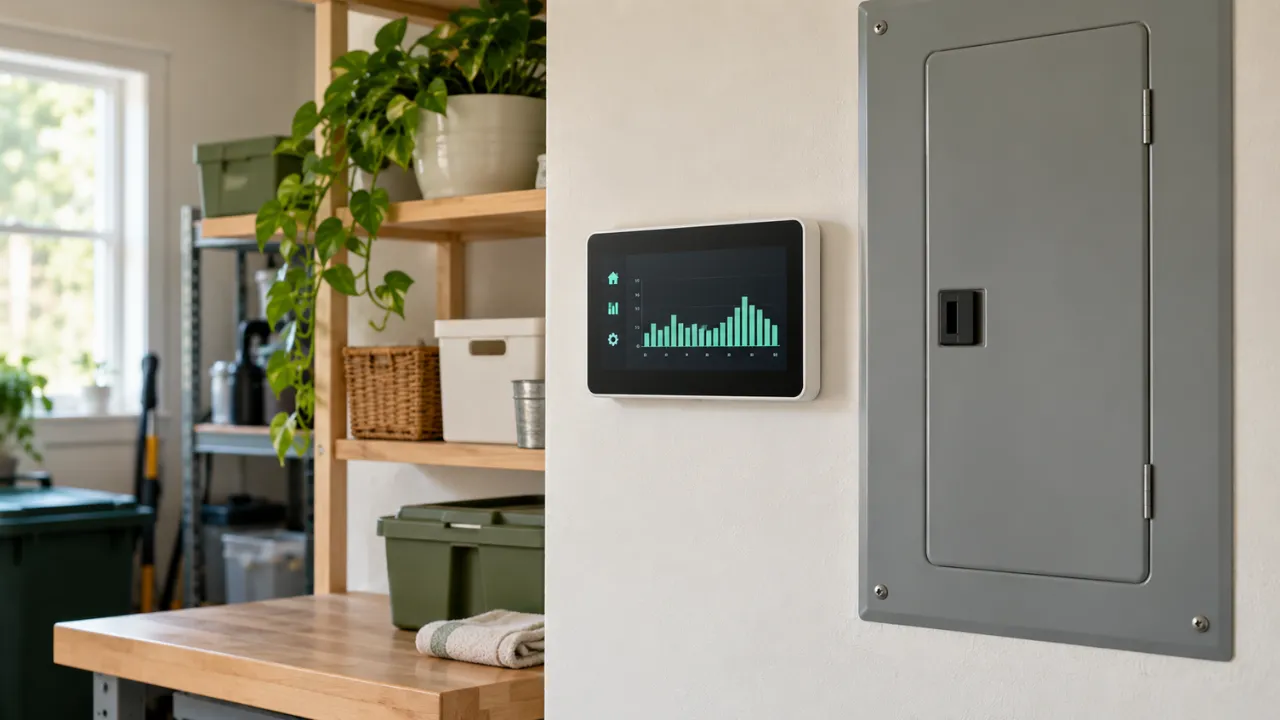
6. Home Energy Monitors: Find the Waste Before Automating It
An energy monitor helps answer a useful question: What is actually using electricity in my home?
There are two main approaches:
| Monitor type | Useful for | Main limitation |
|---|---|---|
| Plug-in energy meter | Measuring one compatible appliance | Cannot measure hardwired equipment |
| Whole-home monitor | Tracking overall demand and, on some systems, individual circuits | Higher cost and potentially professional installation |
A plug-in meter can help investigate a dehumidifier, entertainment setup, or other suitable appliance.
A whole-home monitor may reveal patterns such as a high overnight baseline or equipment running longer than expected. However, appliance identification features vary, and estimated device labels should not be treated as perfect measurements.
If installation involves an electrical panel or consumer unit, arrange professional installation rather than opening it yourself.
Before buying a separate monitor, check whether your electricity supplier already provides useful consumption data.
7. Smart Meters and In-Home Displays: Use the Information
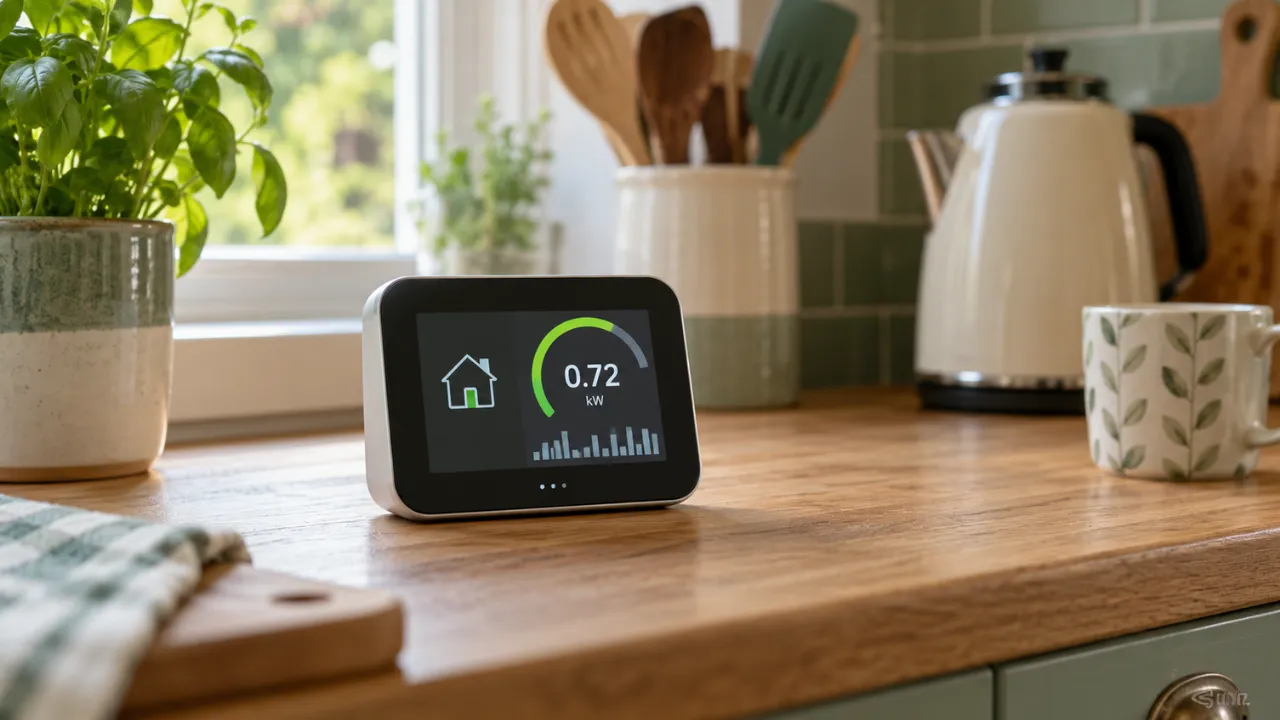
A smart meter records consumption and can send readings automatically to the supplier. It does not independently switch off appliances or guarantee a lower bill.
In Great Britain, Ofgem explains that smart meters support accurate readings, energy-use information, and access to more flexible tariffs. An in-home display can make changes in household demand easier to notice.
You might use that information to investigate why consumption stays high overnight or how much demand rises when particular equipment runs.
US smart-meter features depend on the utility. Check your provider’s portal for available usage reports and tariff options.
If you use a time-of-use tariff, compare the full rate structure. Cheaper overnight electricity can come with more expensive peak periods. Moving one appliance off-peak does not automatically make that tariff cheaper for the household overall.
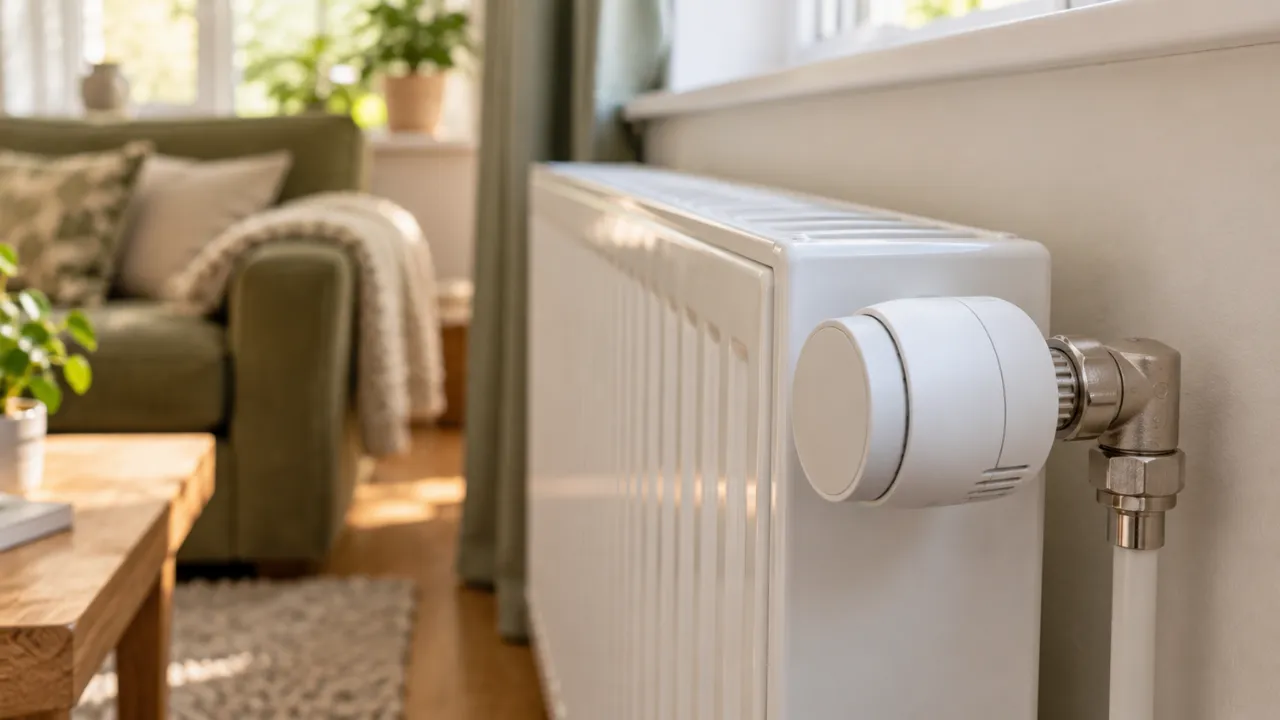
8. Smart Radiator Valves: Room Control for Compatible UK Heating
Smart thermostatic radiator valves, or smart TRVs, allow room-by-room temperature schedules.
A home office could receive heat during working hours, while a spare bedroom stays at a lower suitable temperature.
Before buying, check:
- Whether the valves fit your radiators.
- Whether they integrate with the main heating controller.
- Whether they can request heat from the boiler.
- Whether a hub or subscription is required.
A valve that adjusts radiator flow without coordinating boiler demand may behave differently from a fully integrated system.
Existing manual TRVs already provide room temperature control. Smart models mainly add scheduling and remote adjustment, so the additional savings depend on how much those features change your heating habits.
Avoid leaving rooms completely unheated for extended periods without considering condensation, mould, and frost protection. Energy Saving Trust recommends maintaining suitable background heat in less-used rooms.

9. Smart Blinds and Curtains: Useful for Specific Windows
Automated blinds and curtains can help manage sunlight and indoor comfort.
For example, suitable coverings could close before strong afternoon sun heats a room, then open later when conditions improve.
The potential benefit depends on:
- Window size and direction.
- The type of covering.
- Glazing and insulation.
- Local weather.
- Whether heating or cooling demand actually changes.
The window covering provides the thermal benefit; the motor helps position it consistently.
Because installation can be expensive, smart blinds are often easier to justify for comfort or accessibility than for electricity savings alone. Test a manual routine first to see whether the room benefits.
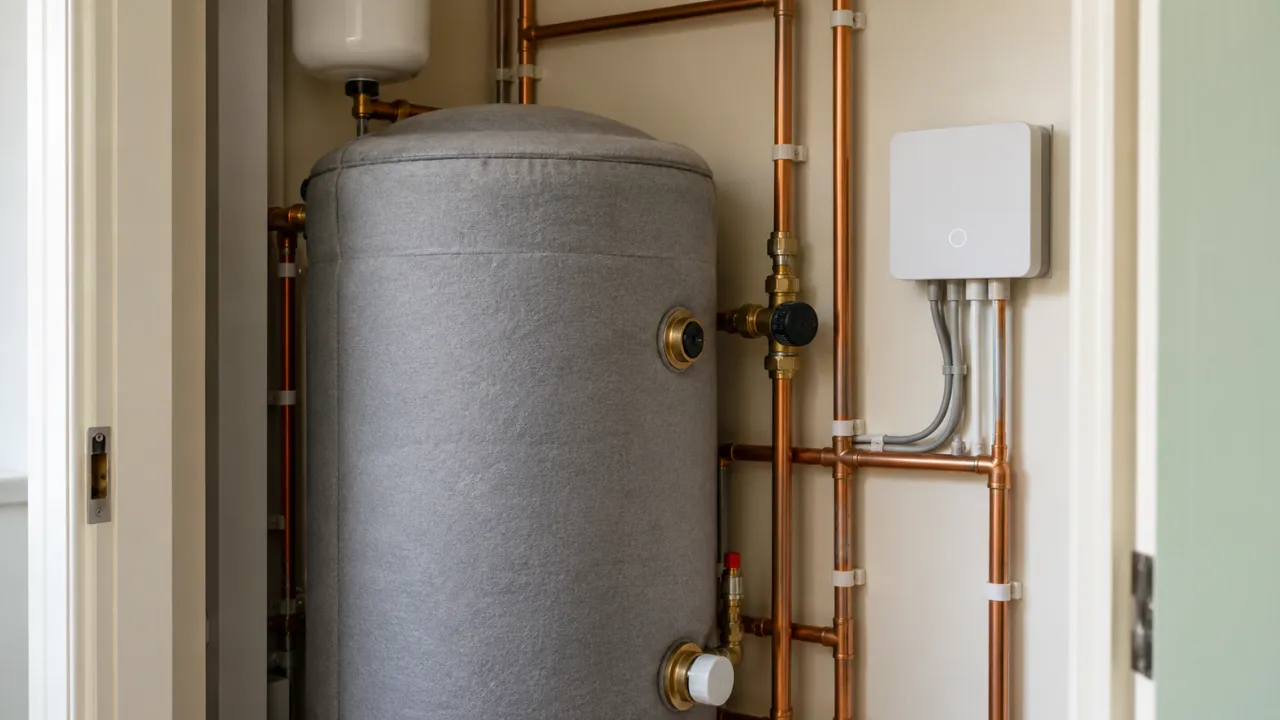
10. Smart Hot-Water Controls: Check the System First
Compatible hot-water controls can provide schedules, vacation settings, or tariff-based operation.
They may be useful for a household with an electric storage water heater or a UK hot-water cylinder. A combination boiler produces hot water on demand, so it needs a different approach.
Distinguish between improving controls and replacing the heater. Buying a more efficient water heater is a separate equipment investment, with its own installation costs and potential savings.
Use controls approved for the system. Preserve manufacturer-required safety settings and hygiene cycles, and have changes checked by a qualified installer.
How to Calculate Savings and Payback
Use your own tariff rather than a national average.
Annual electricity avoided in kWh = watts avoided × hours avoided per day × 365 ÷ 1,000
Suppose a monitored setup draws 20 watts unnecessarily for 16 hours each day:
20 × 16 × 365 ÷ 1,000 = 116.8 kWh per year
At an illustrative rate of $0.20 per kWh, that electricity costs $23.36 annually.
At an illustrative rate of £0.25 per kWh, it costs £29.20 annually.
These are example rates, not current USA or UK tariff estimates. Subtract the controller’s own electricity consumption to estimate net savings.
Then calculate:
Simple payback period = total upfront cost ÷ estimated annual net savings
Include installation, required hubs, and ongoing subscription costs. If annual net savings are very small, the device may still provide convenience, but it is a weak purchase purely for reducing bills.
Set Up Your System Around Real Habits
Begin with one clear problem and one useful routine.
For example:
- Measure the electricity use of your desk setup.
- Schedule compatible accessories to switch off after work.
- Keep equipment that needs continuous power connected appropriately.
- Review consumption after the change.
- Adjust the schedule if your routine changes.
For heating and cooling, compare similar weather periods. A mild month can make a new thermostat look more effective than it really is.
Track kWh as well as money. Tariff changes and fixed charges can affect the bill even when consumption falls.
Also check whether schedules continue working when the internet is unavailable. Keep device software updated and secure accounts with strong passwords and two-factor authentication where supported.
Common Mistakes That Reduce Savings
Buying before measuring. A low standby load may offer too little savings to justify a connected controller.
Ignoring existing controls. A correctly used timer or ordinary thermostat may already solve the problem.
Focusing on small loads while major equipment wastes energy. Investigate heating, cooling, and long-running appliances before automating every charger.
Creating overlapping routines. Conflicting schedules can switch equipment back on unexpectedly.
Assuming advertised savings apply to every home. Previous habits, weather, equipment, and tariffs all affect results.
Buying too many connected devices. Hubs, sensors, and subscriptions add costs that should be included in the calculation.
Is Smart Home Technology Worth It for Saving Electricity?
It can be, when the device controls a meaningful load or prevents regular waste.
For a US household that cools an empty home, a compatible smart thermostat may be useful. For a renter with an entertainment setup that stays powered unnecessarily, a monitored plug or advanced power strip could be a better starting point.
In a UK home with a gas boiler, smart heating controls may help reduce heating costs, but their main benefit should not be described as electricity savings.
Start small, measure what changes, and expand when the results justify the cost. The most useful setup is one that fits your routine and continues working reliably.
Frequently Asked Questions
Do smart home devices really lower electricity bills?
They can lower bills by reducing unnecessary operation or shifting usage to cheaper tariff periods. Results depend on the device, tariff, and household habits.
Which smart device saves the most electricity?
There is no universal winner. A thermostat may be valuable where electric heating or cooling is poorly scheduled. In another home, controlling a regularly wasted plug-in load may offer better value.
Do smart plugs use electricity themselves?
Yes. Their own consumption should be included when calculating net savings.
Are smart thermostats worth buying if I already use a schedule?
Possibly, but additional savings may be smaller. Consider whether occupancy detection or remote adjustments would meaningfully change how your system operates.
Can renters use energy-saving smart devices?
Removable plugs, plug-in meters, and suitable lighting products are practical options. Check your tenancy agreement before changing fixed wiring or heating controls.
Does a smart meter automatically reduce energy use?
No. It provides readings and information. Savings come from changing usage or choosing a suitable tariff.
Can smart devices make my bill higher?
Yes. Extra connected equipment, unnecessary operating schedules, or an unsuitable tariff can increase costs. Compare consumption after installation rather than assuming every automation saves money.
Recommended Articles
-
Apple TV Classic Movies Free to Watch in 2026: Complete Guide
-
Nothing Headphone (1) vs AirPods Max 2 (2026): Which Is Better
-
Apple Watch 12 or Ultra 4 Randomly Restarting? Complete Fix Guide (2026)
-
iOS 27 Paid Features Explained: Will Apple Charge for iPhone AI
-
Apple 2026 MacBook Air 13-inch M5 Review: Specs & Features