Best budget laptop for working from home
Looking for the best laptop for online jobs in the USA? The HP Victus 15 offers an Intel Core i5 processor, RTX 3050 graphics, 32GB RAM, and a 1TB SSD—making it ideal for remote work, freelancing, video editing, graphic design, and content creation.
Best Laptop for Online Jobs USA: HP Victus 15 Review
Finding the best laptop for online jobs in the USA can be challenging because different online careers require different levels of performance. A virtual assistant may need a reliable laptop for browser-based applications and video meetings, while a graphic designer, video editor, programmer, or content creator may need considerably more processing and graphics power.
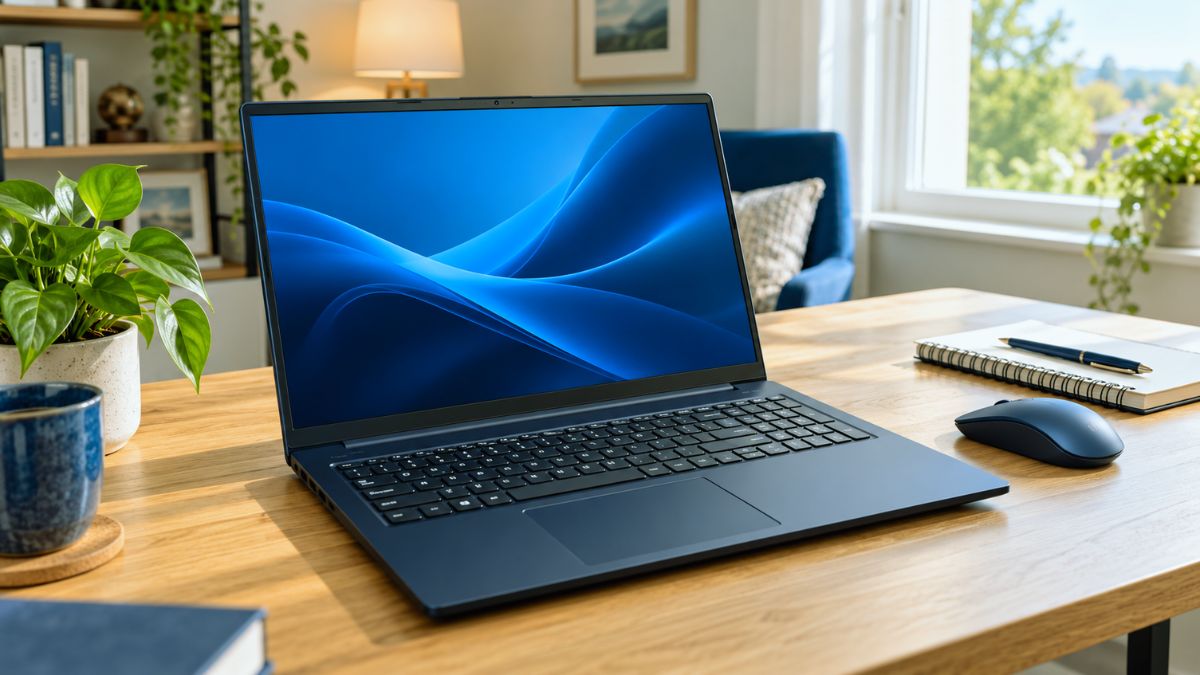
The HP Victus 15.6-inch i5 Gaming Laptop is an interesting option because it offers more than basic office performance. This configuration includes an Intel Core i5-12450H processor, NVIDIA GeForce RTX 3050 graphics, 32GB of RAM, and a 1TB PCIe NVMe SSD. It also features a 15.6-inch Full HD 144Hz display, a backlit keyboard, Wi-Fi 6, an SD card reader, and Windows 11 Home.
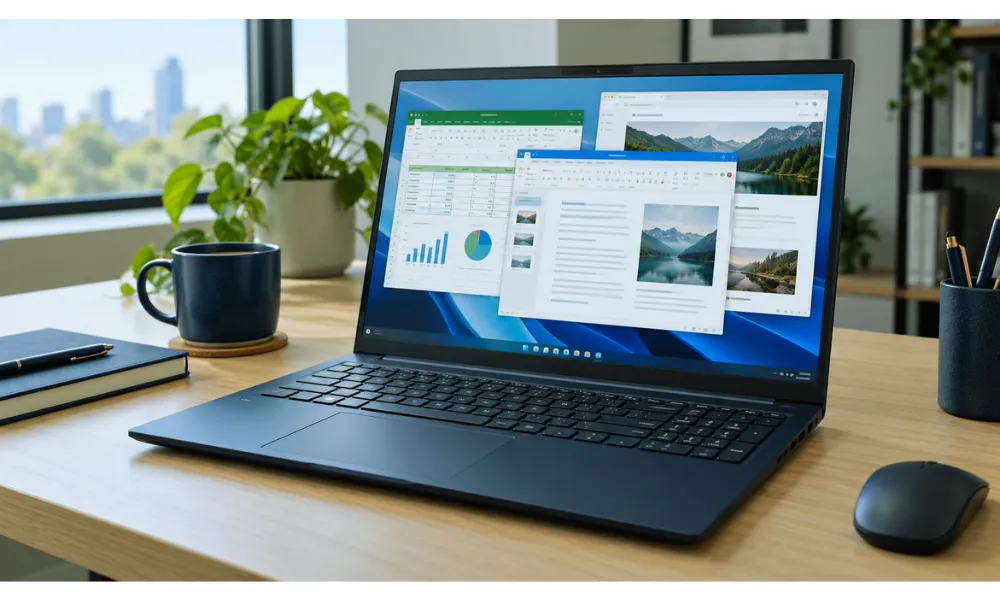
Although HP markets the Victus primarily as a gaming laptop, its capable hardware makes it suitable for many professional online jobs. This review examines its specifications, performance, advantages, limitations, and the types of remote workers who may benefit most from it.
Affiliate Disclosure: This article may contain affiliate links. If you purchase through one of these links, we may earn a small commission at no additional cost to you.
👉 Check Price on Amazon
HP Victus 15 Specifications at a Glance
| Feature | Specification |
|---|---|
| Brand | HP |
| Model | TPN-Q278 / 599J4AV |
| Display | 15.6-inch Full HD IPS |
| Resolution | 1920 × 1080 |
| Refresh Rate | 144Hz |
| Processor | Intel Core i5-12450H |
| CPU Cores and Threads | 8 cores and 12 threads |
| Maximum Turbo Frequency | Up to 4.4GHz |
| Graphics | NVIDIA GeForce RTX 3050 |
| Graphics Memory | 4GB GDDR6 |
| RAM | 32GB |
| Storage | 1TB PCIe NVMe M.2 SSD |
| Operating System | Windows 11 Home |
| Wireless Connectivity | Wi-Fi 6 |
| Keyboard | Backlit keyboard with numeric keypad |
| Camera | Built-in webcam |
| Color | Blue |
Why the HP Victus 15 Is Suitable for Online Jobs
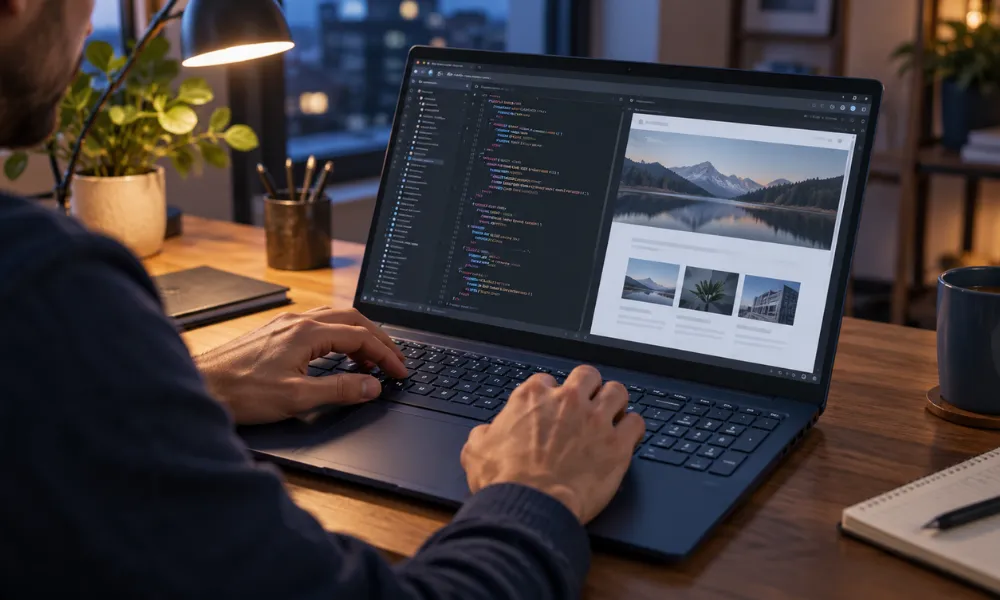
The HP Victus 15 delivers a strong combination of processing power, memory, storage, and dedicated graphics. These features allow it to support both everyday remote work and more demanding professional applications.
A basic laptop may work well for email, document editing, and web browsing. However, online workers often use several applications simultaneously. A typical work session might include a video meeting, cloud storage, communication software, multiple browser tabs, spreadsheets, and project-management tools.
The 32GB of RAM gives this HP Victus configuration a major advantage for multitasking. Its Intel H-series processor and dedicated NVIDIA graphics also make it more versatile than an entry-level office laptop.
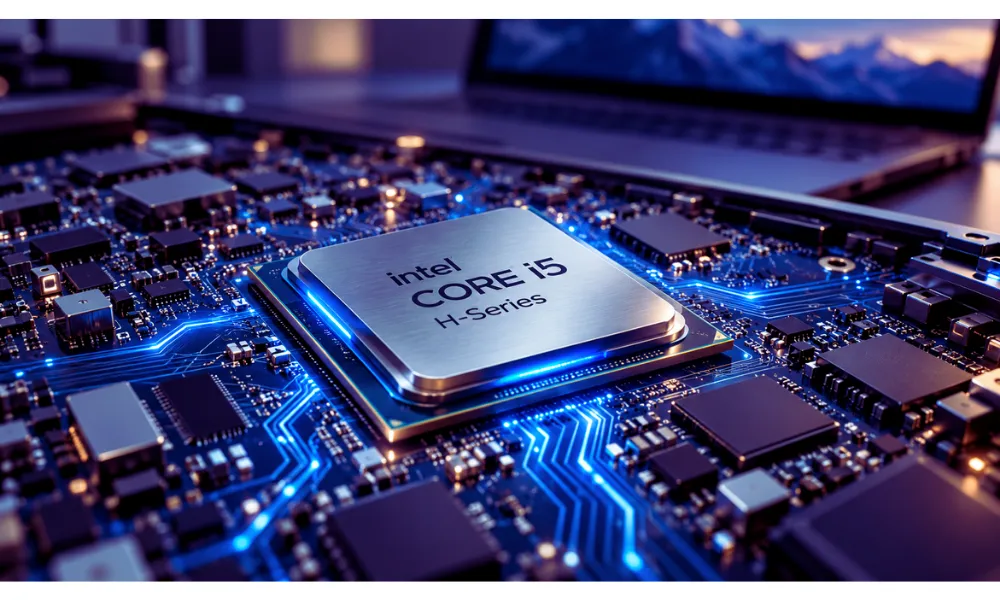
Powerful Intel Core i5 H-Series Processor
The HP Victus 15 is powered by an Intel Core i5-12450H processor featuring eight cores, 12 threads, 12MB of L3 cache, and a maximum turbo frequency of up to 4.4GHz.
The “H” designation identifies a performance-focused mobile processor. It is designed for more demanding workloads than many low-power processors commonly found in thin and inexpensive laptops.
This processing power can be useful for:
- Managing large spreadsheets
- Editing photos and videos
- Running coding and development tools
- Participating in video conferences
- Working with content-management systems
- Using accounting or business software
- Running several professional applications together
The processor is not the newest Intel generation available, but it remains capable for common remote-work applications and moderately demanding creative tasks.
32GB RAM for Heavy Multitasking
Many affordable laptops include only 8GB of RAM, while mid-range professional laptops frequently include 16GB. This HP Victus configuration provides 32GB of high-bandwidth RAM.
For many online jobs, 32GB is more than the minimum requirement. However, the additional memory can help users who regularly work with numerous browser tabs, large documents, creative software, or multiple applications.
For example, a content creator could keep Adobe Photoshop, a video editor, Google Chrome, cloud storage, and communication software open without constantly closing applications to free memory.
The additional RAM may also make the laptop more useful over the long term as applications become more demanding.
Fast and Spacious 1TB SSD
Storage speed affects how quickly a computer starts, loads software, opens files, and transfers data. The HP Victus 15 includes a 1TB PCIe NVMe M.2 solid-state drive.
An NVMe SSD is significantly faster than a traditional mechanical hard drive. It should provide quick Windows startup, responsive application loading, and fast access to frequently used files.
The 1TB capacity offers enough space for many professional needs, including:
- Business documents
- High-resolution images
- Video projects
- Client files
- Downloaded courses
- Software and applications
- Games and personal media
Video editors and photographers may eventually need external storage, but 1TB is a practical starting capacity for most online workers.
Dedicated NVIDIA GeForce RTX 3050 Graphics
One of the most important differences between the HP Victus and a standard office laptop is its dedicated NVIDIA GeForce RTX 3050 graphics card with 4GB of GDDR6 memory.
Basic office jobs do not require dedicated graphics. However, an RTX 3050 can improve performance in applications that use graphics acceleration.
It can be beneficial for:
- YouTube video editing
- Social media content creation
- Photo editing
- Motion graphics
- Basic 3D modeling
- GPU-accelerated creative applications
- Casual and competitive gaming
The RTX 3050 is an older entry-level RTX graphics card, so buyers should not expect it to match newer high-end GPUs. Its 4GB of graphics memory may also become restrictive in complex 3D projects, advanced effects, or high-resolution professional video workflows.
Nevertheless, it offers considerably more graphics capability than integrated graphics and should be sufficient for many beginner and intermediate creative professionals.

15.6-Inch Full HD 144Hz IPS Display
The laptop has a 15.6-inch Full HD display with a resolution of 1920 × 1080. Its IPS panel should provide more consistent viewing angles than a basic TN panel, while the anti-glare surface helps reduce distracting reflections.
The 144Hz refresh rate produces smoother motion than a standard 60Hz display. This feature is particularly valuable for gaming, but it can also make scrolling, animations, and general navigation feel more responsive.
The micro-edge design helps reduce the size of the bezels and gives the display a more modern appearance.
However, professional photographers, video colorists, and designers should verify the exact color-gamut and brightness specifications of the listing before purchasing. These measurements are not included in the provided product information. A color-accurate external monitor may still be necessary for professional color-sensitive work.
Remote workers who need additional screen space can pair their laptop with one of the [best touchscreen portable monitors under $200].
Freelance Writing and Blogging
Freelance writers usually work with word processors, research tools, browser tabs, SEO platforms, and content-management systems such as WordPress.
The HP Victus is more powerful than necessary for writing alone. However, its 32GB RAM can provide an exceptionally smooth experience for writers who conduct extensive research, manage multiple websites, or create images and videos alongside written content.
Virtual Assistance
Virtual assistants frequently use email, spreadsheets, video-meeting applications, customer-management systems, and project-management tools.
The Core i5 processor and 32GB RAM should handle these applications comfortably. The built-in webcam, Wi-Fi 6 connectivity, numeric keypad, and wide selection of ports also make the laptop practical for administrative work.
Graphic Design
The HP Victus can be a good option for beginner and intermediate graphic designers. Its dedicated RTX 3050 GPU can assist with Adobe Photoshop, Illustrator, Canva, and similar creative software.
Designers performing color-critical work should consider connecting a calibrated external monitor, especially if the laptop display’s exact color coverage is not confirmed.
Video Editing and YouTube Content Creation
The combination of an H-series processor, RTX 3050 GPU, 32GB RAM, and 1TB SSD makes this laptop suitable for many content-creation workflows.
It should handle short-form videos, YouTube content, product reviews, educational videos, and Full HD editing effectively. Performance will depend on the editing software, effects, codecs, and project complexity.
For heavy 4K editing, advanced color grading, or complex visual effects, a laptop with a newer GPU and more video memory would be preferable.
Programming and Web Development
Programmers can use the HP Victus for coding, web development, database work, and running development environments.
Its 32GB RAM may be particularly helpful when using:
- Visual Studio Code
- Android Studio
- Docker containers
- Local development servers
- Database-management software
- Virtual machines
- Multiple browser testing environments
The 15.6-inch display provides a reasonable working area, although many developers may prefer adding an external monitor for a larger workspace.
Online Teaching and Tutoring
The built-in webcam, microphone connection, Wi-Fi 6, and Full HD display make the laptop suitable for Zoom, Microsoft Teams, Google Meet, and online learning platforms.
Teachers can present slides, share screens, manage digital resources, and record lessons. However, users who require professional video quality may want to add an external webcam and microphone.
Data Entry and Accounting
The full-size keyboard includes a numeric keypad, which is useful for data-entry professionals, bookkeepers, and accounting workers.
The large amount of RAM may be unnecessary for basic accounting, but it gives the laptop enough capacity to manage large spreadsheets, browser-based systems, and several business applications at once.
Connectivity and Ports
A good remote-work laptop should allow users to connect accessories without depending entirely on adapters. The HP Victus 15 includes:
- One HDMI 2.1 port
- Two USB Type-A ports
- One USB Type-C port
- One RJ-45 Ethernet port
- One multi-format SD card reader
- One headphone and microphone combination jack
- Wi-Fi 6 connectivity
The HDMI port can be used to connect an external monitor or television. The Ethernet port is valuable for online meetings and jobs that require a reliable wired internet connection.
The SD card reader is especially convenient for photographers, videographers, and content creators who transfer media from cameras.
Potential buyers should note that the listed USB-C port has a 5Gbps signaling rate. The supplied specifications do not confirm Thunderbolt support, USB-C charging, or every possible display-output feature. Buyers needing one of those functions should verify it with the seller before ordering.
Keyboard, Webcam, and Everyday Usability
The backlit keyboard makes it easier to work in dim environments. A numeric keypad is also included, providing faster numerical entry for spreadsheets, reports, and accounting applications.
A built-in webcam is available for remote interviews, client calls, online classes, and team meetings. Since the exact camera resolution is not provided, users should not assume premium image quality. An external webcam may be a worthwhile upgrade for content creation or frequent professional meetings.
The laptop runs Windows 11 Home, providing compatibility with common business, creative, communication, and productivity software used in the United States.
Advantages of the HP Victus 15
The main advantages include:
- Powerful Intel Core i5-12450H processor
- Generous 32GB RAM
- Fast 1TB PCIe NVMe SSD
- Dedicated NVIDIA RTX 3050 graphics
- Smooth 144Hz Full HD IPS display
- Backlit keyboard with numeric keypad
- HDMI, Ethernet, USB-C, and SD card connectivity
- Wi-Fi 6 support
- Suitable for professional work and gaming
- Strong multitasking capability
Potential Disadvantages
No laptop is perfect for every user. Consider these possible disadvantages before purchasing:
- A gaming laptop may be heavier than a thin business laptop
- Powerful hardware may produce more fan noise under demanding workloads
- Gaming-class components may offer shorter battery life than low-power laptops
- The RTX 3050 is an older GPU with 4GB of graphics memory
- Exact display brightness and color coverage are not provided
- The USB-C specifications do not confirm Thunderbolt
- It may be excessive for users who only need email and document editing
The provided listing does not specify the laptop’s weight, battery capacity, or real-world battery runtime. Remote workers who travel frequently should check these details before making a decision.
“Check full review here”
Is It Good for Working From Home?
Yes, the HP Victus 15 is well equipped for working from home. Its processing power and high memory capacity make it suitable for communication, project management, document creation, online research, and creative production.
The Ethernet port is a notable advantage for home workers because it provides the option of a more stable wired connection. Users can also connect an external display through HDMI to create a comfortable dual-screen workstation.
When using it as a primary home-office computer, adding a monitor, external keyboard, mouse, and laptop stand can improve comfort and productivity.
Is It Worth Buying for Online Work?
The HP Victus 15 offers good value for users who need one laptop for both work and entertainment. Its 32GB RAM and 1TB SSD are especially attractive for multitasking, while the RTX 3050 provides capabilities that most standard office laptops cannot offer.
It makes the most sense for:
- Content creators
- Video editors
- Graphic designers
- Programmers
- Digital marketers
- Freelancers with demanding workloads
- Remote workers who also enjoy gaming
It may not be the best choice for travelers who prioritize low weight and all-day battery life. Likewise, someone who only writes emails, edits basic documents, and attends occasional meetings could save money by choosing a simpler laptop.
Pricing can significantly affect its value. Compare its current price with newer RTX 4050 laptops and modern business laptops before purchasing. If the price difference is small, a newer configuration may provide better long-term performance.
If you prefer a lightweight premium laptop with long battery life, read our complete [Apple MacBook Air 13-inch M5 review and buying guide] before making your decision.
Tips Before Buying
Before ordering the HP Victus 15, check the following details:
- Confirm that the listing includes 32GB RAM and a 1TB SSD.
- Verify the exact seller and warranty coverage.
- Check the current price against newer alternatives.
- Review the return policy.
- Confirm battery-life and weight information if you travel.
- Verify display color coverage if you perform professional design work.
- Check whether the RAM or storage was upgraded by a third-party seller.
- Confirm whether USB-C supports the features you require.
Readers looking for an affordable option can also explore our guide to the [best budget laptops for college students under $800 in USA] for practical and value-focused recommendations.
Final Verdict
The HP Victus 15 is a strong candidate for the best laptop for online jobs in the USA when performance and multitasking are the main priorities.
Its Intel Core i5-12450H processor, 32GB RAM, 1TB NVMe SSD, and RTX 3050 graphics provide enough power for remote work, programming, graphic design, content creation, and moderate video editing. The 144Hz Full HD display, backlit keyboard, numeric keypad, Wi-Fi 6, Ethernet, HDMI, and SD card reader further improve its professional usefulness.
The main compromises are typical of performance-oriented gaming laptops: portability, fan noise, and battery life may not match a thin business ultrabook. Its RTX 3050 is also no longer a new graphics card.
For online professionals who want a capable Windows laptop that can manage both productivity and creative workloads, the HP Victus 15 remains a practical option—provided its current price is competitive.
Frequently Asked Questions
1. Is the HP Victus 15 good for online jobs?
Yes. Its Intel Core i5 processor, 32GB RAM, 1TB SSD, and dedicated graphics make it suitable for remote work, freelancing, programming, digital marketing, graphic design, and content creation.
2. Is 32GB RAM enough for working from home?
Yes. In fact, 32GB is more than enough for most home-office jobs. It is especially useful for heavy multitasking, creative software, development tools, and working with many browser tabs.
3. Can the HP Victus 15 handle video editing?
It can handle Full HD video editing and many moderate creative projects. Its RTX 3050 GPU provides graphics acceleration, but demanding 4K projects may benefit from a newer GPU with more graphics memory.
4. Is the HP Victus 15 suitable for graphic design?
Yes, it can run popular graphic-design applications. However, professional designers should verify the display’s color coverage or connect a calibrated external monitor for color-critical work.
5. Can I use the HP Victus 15 for online teaching?
Yes. It includes a webcam, Wi-Fi 6, a microphone and headphone connection, and enough performance for Zoom, Google Meet, Microsoft Teams, screen sharing, and lesson preparation.
6. Does the HP Victus 15 have an SD card reader?
Yes. This configuration lists a multi-format SD media card reader, which is useful for photographers and video creators.
7. Is the HP Victus 15 better than a regular office laptop?
It is more powerful than many basic office laptops because it includes an H-series processor, 32GB RAM, and dedicated RTX graphics. However, regular office laptops may be lighter and provide better battery life.
Best iPhone accessories:-
-
Nothing Headphone (1) vs AirPods Max 2 (2026): Which Is Better
-
iOS 27 Paid Features Explained: Will Apple Charge for iPhone AI?
-
MacBook Air M5 vs MacBook Pro M5 for College Students 2026
-
Apple AirPods 4 Review: Features, Battery Life & More
-
Apple 2026 MacBook Air 13-inch M5 Review: Specs & Features
-
Best Budget Gaming Chair for Long Hours: 7 Comfortable Picks for 2026