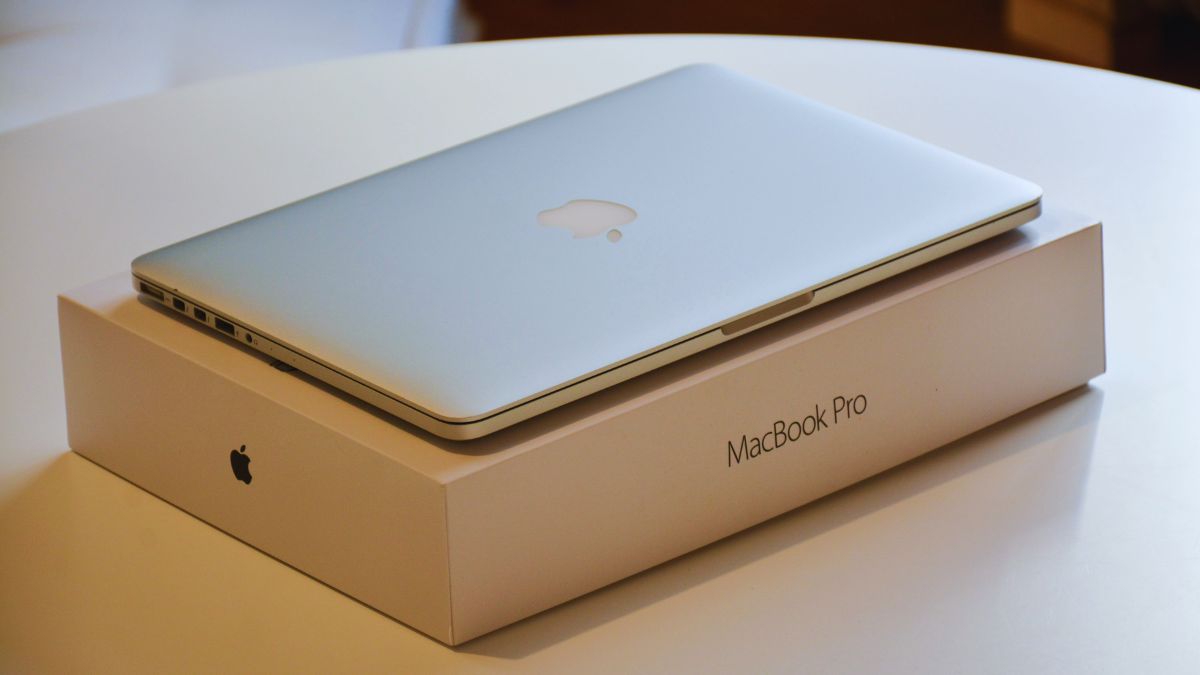
Apple’s 14-Inch MacBook Pro M6: Price, Release Date and What Buyers Should Know
Apple has announced the new 14-inch MacBook Pro with M6, bringing a faster processor, updated wireless connectivity and a stronger focus on running AI tasks directly on the laptop.
For US buyers, the starting price is $1,999, with preorders opening on October 28, 2026. Apple says customer deliveries and in-store availability begin on November 6. Education pricing starts at $1,899 for eligible customers. apple.com
The announcement raises a practical question: will these upgrades make a meaningful difference to your work?
For someone using an older Intel Mac or an early Apple silicon model, there are several reasons to look closely. For owners of a recent MacBook Pro, the answer depends more on their current laptop’s limitations.
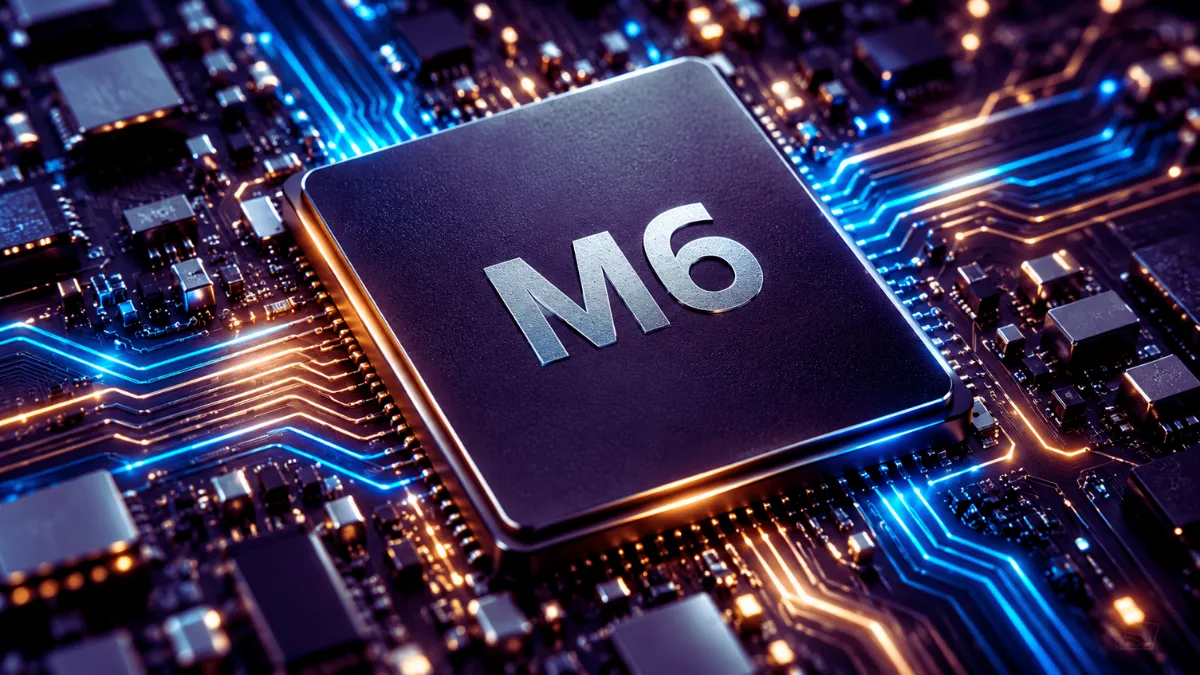
What Is New in the MacBook Pro M6?
The main upgrade is the M6 chip. According to Apple’s announcement, it combines a 12-core CPU, a 12-core GPU and a dual 16-core Neural Engine.
Those components handle different parts of a workload. The CPU supports general computing and tasks such as compiling software. The GPU handles graphics and can accelerate supported creative and AI applications. The Neural Engine is designed for compatible machine-learning tasks.
Apple also lists Wi-Fi 7 and Bluetooth 6 among the updates. These features may be useful for buyers upgrading their wireless equipment, although actual connection performance depends on the router, accessories and surrounding network conditions.
The laptop comes in space black and silver.
How Much Faster Is the M6?
Apple reports improvements across graphics, AI processing and selected professional applications. However, buyers should read those figures as results from particular tests—not a promise that every application will become faster by the same amount.
A graphics benchmark, for example, does not tell you exactly how much time you will save editing a spreadsheet or opening a browser.
The useful question is whether your everyday work regularly makes your current laptop struggle. Consider situations such as:
- Exporting video projects while working in another application.
- Editing large photo libraries.
- Building and testing software.
- Working with complex graphics.
- Running supported AI models locally.
If your existing computer already handles your workload comfortably, a newer chip may offer less practical value than the headline numbers suggest.
What Do the AI Features Mean for Everyday Users?
Apple places on-device AI at the center of the M6 announcement.
Running an AI task locally means the computer processes it using its own hardware rather than sending the entire workload to a remote server. Depending on the application, this can help with responsiveness and reduce reliance on an internet connection.
However, stronger AI hardware does not mean every AI feature works offline. Some services still require cloud processing, an account or a subscription.
Memory also matters. Before buying a laptop for local AI work, check the requirements of the specific model or application you plan to use. A machine that runs a small model comfortably may not be suitable for a much larger one.
Battery Life: Understand the “Up to” Claim
Apple advertises up to 24 hours of battery life for the new model.
That figure is a maximum under Apple’s testing conditions. It should not be interpreted as 24 hours of continuous video editing, 3D rendering or local AI processing.
Your results will depend on factors including display brightness, application workload, connected accessories and background activity.
For buyers, independent battery testing will be especially useful. Look for tests that resemble your routine—web browsing, office work or creative applications—rather than relying on a single advertised number.
Display and Ports: Consider Your Whole Setup
The announced model includes a Liquid Retina XDR display, with an optional nano-texture finish intended to reduce reflections.
The standard display may be sufficient for a controlled indoor workspace. If you often work near bright windows, consider seeing the nano-texture option in person before paying extra for it.
Apple’s supplied specifications also list HDMI, MagSafe 3, three Thunderbolt 4 ports, an SDXC card slot and a headphone jack.
A useful selection of built-in connections can simplify a desk setup. Still, check the requirements of your monitors, storage devices and other accessories before ordering. Connector shape alone does not establish that every device will operate at its maximum supported speed.
How Much Memory Should You Choose?
The announcement lists 16GB of unified memory as standard, configurable up to 32GB.
Choose memory around your expected workload:
| Your main use | What to consider |
|---|---|
| Documents, browsing and everyday productivity | The standard configuration may meet your needs |
| Photography and frequent multitasking | Check typical project sizes and application requirements |
| Video editing, development or local AI | Compare higher-memory configurations carefully |
Storage deserves the same attention. Allow room for applications, working files and future projects. Check the exact SSD configuration included in the price before comparing offers.
Should You Upgrade From an Older Mac?
Start by identifying what your current laptop cannot do comfortably.
An upgrade becomes easier to justify when you regularly experience long processing times, insufficient memory, poor battery endurance or compatibility problems with software you need.
If your computer remains reliable and responsive, waiting for independent reviews can help you make a better-informed decision.
Recent MacBook Pro owners should be particularly selective. A faster processor is useful when it solves a measurable problem in your workflow. It is less compelling when your existing machine already finishes the same work without difficulty.
Final Verdict
The 14-inch MacBook Pro M6 deserves consideration from buyers who need a portable Mac for demanding work. The announcement points to improvements in processing, wireless connectivity and supported AI workloads.
Before ordering, compare the complete configuration—not just the chip name. Memory, storage, display options and accessory costs all affect the final value.
For older Mac owners facing clear performance limits, this could be a meaningful upgrade. For everyone else, independent reviews will help establish how Apple’s claims translate into everyday use.
Source: Apple Newsroom announcement